
The modern digital landscape is defined by an ever-expanding volume of visual data, with the average smartphone user generating thousands of images and hours of high-definition video annually. As digital memory repositories become central to personal history, the necessity of maintaining a robust, cross-platform backup strategy has moved from a technical preference to an essential digital hygiene practice. While Apple’s iCloud Photos ecosystem is natively optimized for the iPhone, iPad, and Mac, the modern user often navigates a fragmented environment of Windows PCs, Android handsets, and web-based interfaces. Establishing a centralized, secure, and accessible repository for these assets requires a nuanced understanding of how Apple’s infrastructure interacts—or fails to interact—with competing platforms.

The Evolution of Cloud Synchronization and Data Portability
The shift toward cloud-centric storage began in earnest with the maturation of mobile broadband and the introduction of services like iCloud in 2011. Initially designed as a tethered experience for hardware within the Apple "walled garden," the service has evolved over the past fifteen years to become a sophisticated, multi-device management tool. By 2026, the reliance on local storage has diminished in favor of "Optimize Storage" features, which allow users to keep high-resolution masters in the cloud while retaining space-efficient thumbnails on local devices.
However, data portability remains a contentious point in the tech industry. For users operating primarily on Apple hardware, the synchronization process is largely invisible, occurring automatically in the background. Yet, for the significant percentage of users who split their digital life between an Android smartphone and a Mac, or a Windows desktop and an iPhone, the lack of seamless, native integration poses a persistent challenge. Data suggests that approximately 40% of smartphone users engage in multi-platform workflows, creating a demand for the manual, web-based, or third-party solutions that bridge these operational gaps.
Managing the Apple Ecosystem: iOS and macOS Integration
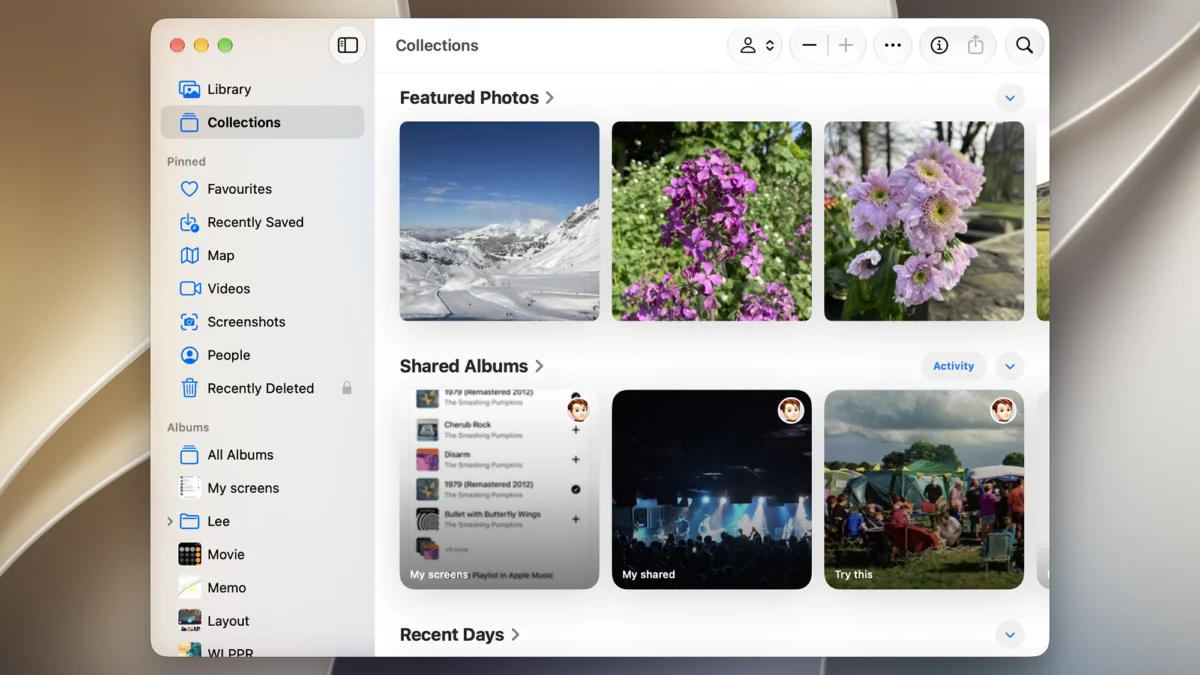
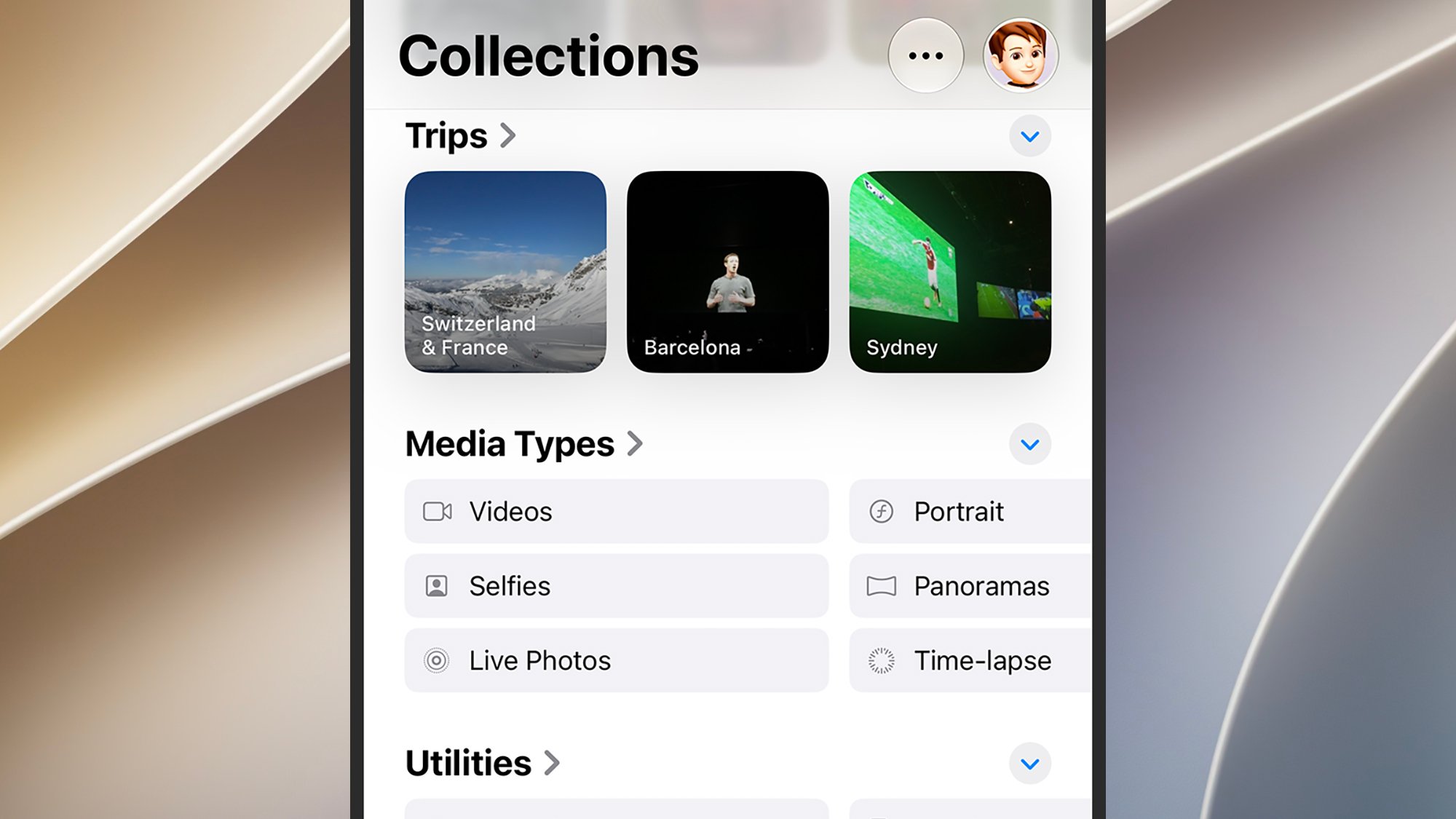
For users committed to the Apple ecosystem, the primary objective is ensuring that the "iCloud Photos" toggle remains active across all devices. This setting, located under the Photos sub-menu in the iOS Settings app, acts as the master switch for the system. Once enabled, the device initiates a bidirectional sync: every capture from the camera sensor is uploaded to Apple’s servers, and every modification—be it a crop, a filter, or a deletion—is mirrored across all connected hardware.
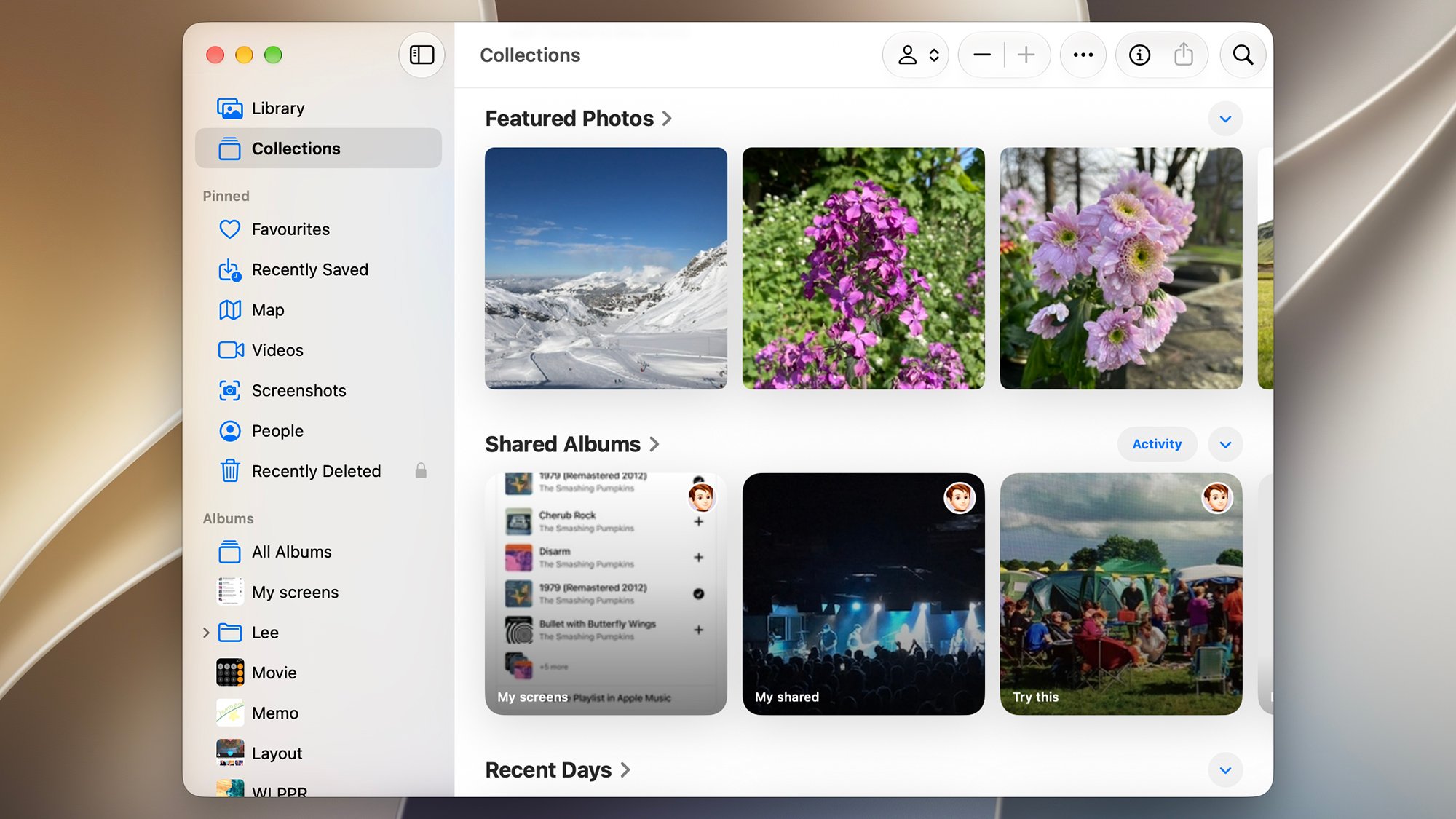
On macOS, the integration is further refined. The Apple Photos application serves as the desktop equivalent of the mobile experience, offering advanced features such as face recognition, scene analysis, and map-based location tagging, which are processed locally on the device to maintain privacy. To ensure total synchronization, users must navigate to the Photos settings menu and verify that the "iCloud Photos" checkbox is active. Furthermore, the "Copy items to the Photos library" setting acts as a critical fail-safe, ensuring that images imported from external sources—such as SD cards or web downloads—are physically moved into the library database, thus triggering their subsequent upload to the cloud.
Bridging the Gap: Windows and the iCloud for Windows Utility
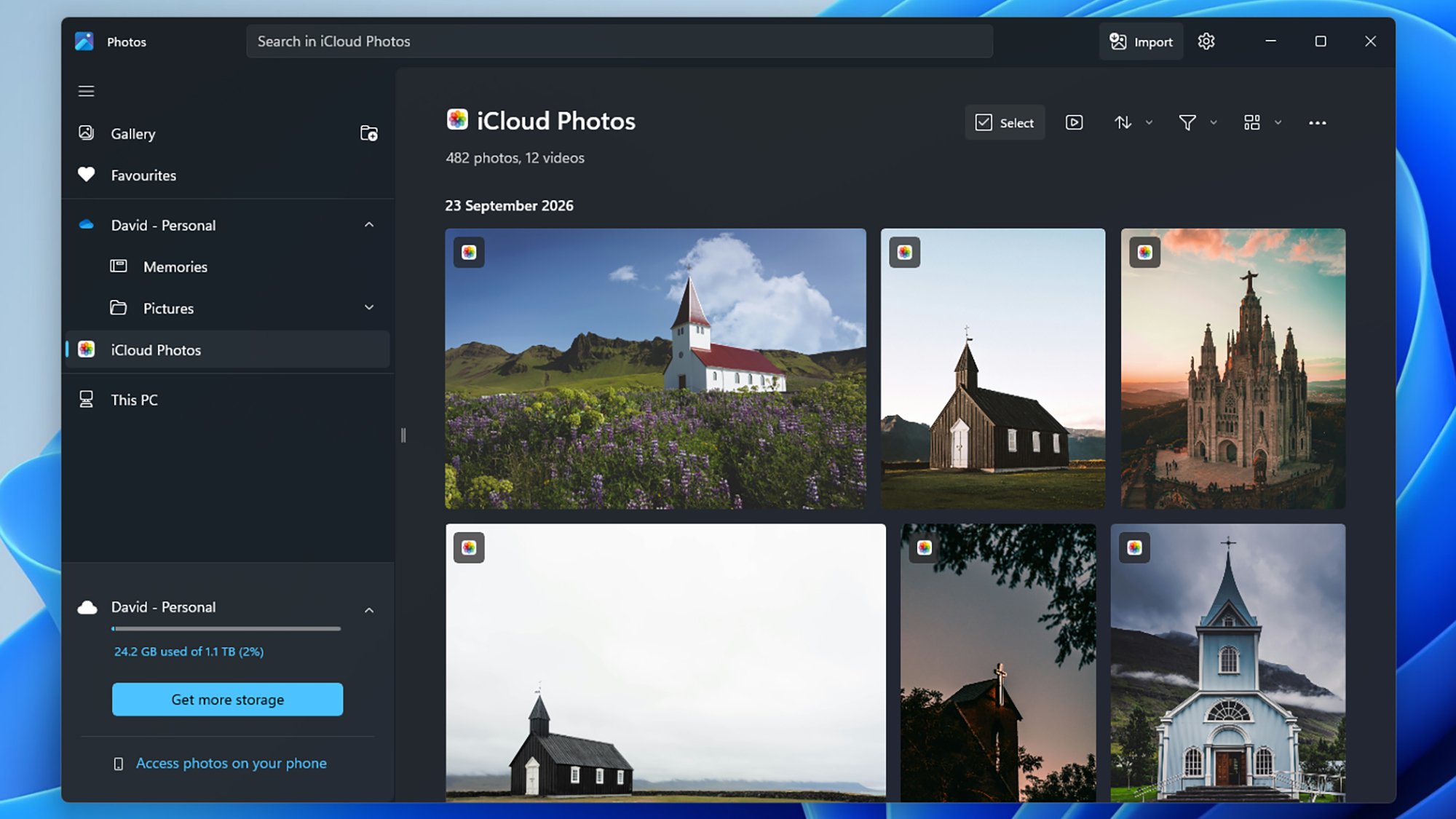
The relationship between Microsoft and Apple, while historically competitive, has seen significant strides in interoperability. The "iCloud for Windows" application represents a formal effort by Apple to cater to the PC-centric user base. By installing this utility, Windows users gain a dedicated folder structure that mirrors their iCloud library directly within the File Explorer.
Recent updates to this integration allow for deep synchronization with the native Microsoft Photos application. This allows users to view their iCloud-stored library alongside their local PC images without manually downloading each file. From a data integrity standpoint, this is the most reliable method for Windows users to maintain a backup of their iPhone imagery. Furthermore, the application allows for the management of iCloud Drive, passwords, and contacts, creating a unified administrative hub for those who prefer the Windows operating system for productivity but favor the iPhone for mobile photography.
The Android Challenge and Manual Data Management
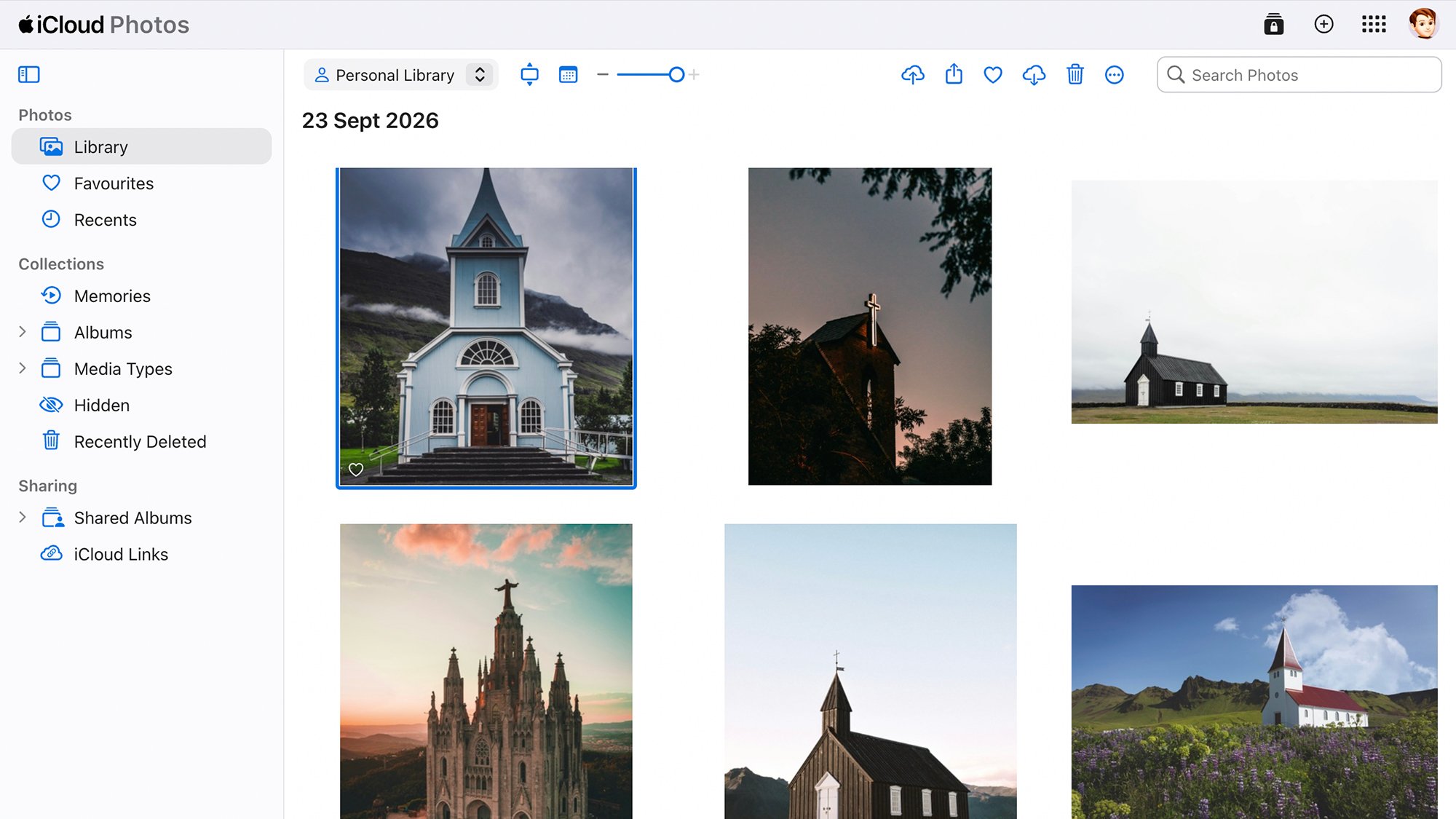
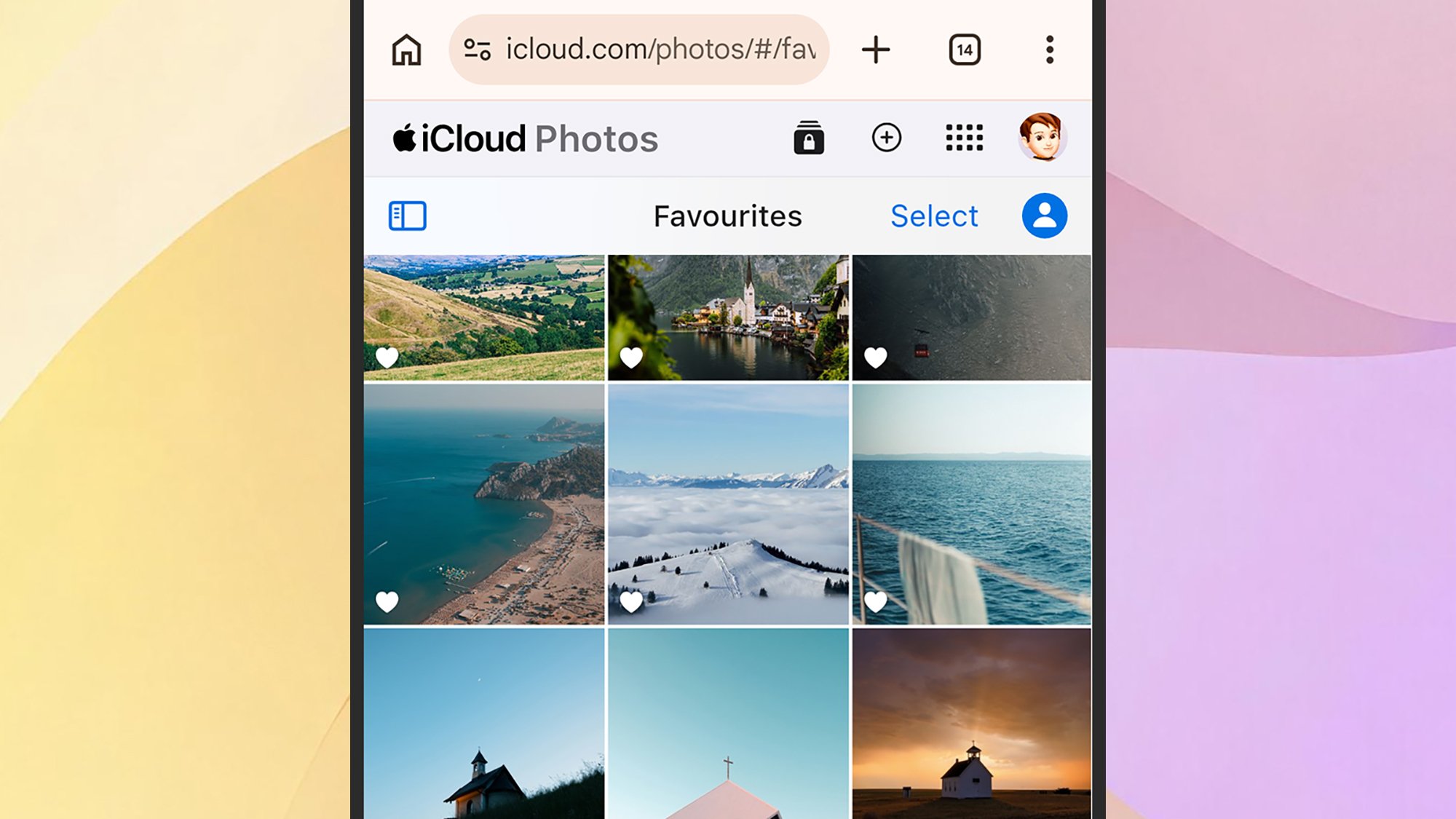
The lack of a native, background-syncing Apple Photos application on Android remains the most significant hurdle for cross-platform users. Unlike the music and streaming services for which Apple provides dedicated Android apps, the Photos ecosystem relies on the iCloud web portal (iCloud.com) to provide a window into the user’s library.
The web-based approach, while functional, lacks the automated background processes that define the iOS experience. Users must manually log into their iCloud account via a mobile browser to upload or retrieve files. This process is inherently limited by the browser’s capabilities and the stability of the mobile network connection. To mitigate these limitations, many power users employ "intermediary" cloud services. By using platforms like Dropbox, Google Drive, or Microsoft OneDrive as a temporary bridge, users can automate the transfer of files from an Android device to a computer, where they can then be imported into the Apple Photos library. While this adds an extra layer of complexity, it remains the most effective workaround for maintaining a consolidated library.
Data Security and Privacy Implications
The decision to entrust personal visual history to a single repository—whether Apple, Google, or a third-party host—carries significant implications. Apple’s architecture emphasizes end-to-end encryption for much of the data synced to iCloud, though photos remain a subject of debate regarding the "Advanced Data Protection" features. When users choose to back up to the cloud, they are effectively agreeing to the service provider’s terms of data handling.
Industry analysts suggest that the primary risk for the average consumer is not necessarily malicious data breaches, but rather "data stagnation"—the phenomenon where files are backed up to a service that becomes inaccessible due to forgotten credentials, expired subscriptions, or platform abandonment. Consequently, the consensus among data management experts is the "3-2-1" rule: three total copies of data, two different media formats, and one copy stored off-site. For most users, this translates to: the original files on the smartphone, a synced copy in the cloud (iCloud), and a periodic offline backup on an external hard drive or local server.
Chronology of Service Expansion
- 2011: Apple introduces iCloud, replacing the older MobileMe service, providing 5GB of free storage.
- 2014: The introduction of iCloud Photo Library (now iCloud Photos) signals the shift to full-resolution cloud storage.
- 2017: Apple introduces the High Efficiency Image Container (HEIC) format to save space on devices and in the cloud.
- 2022: The launch of iCloud for Windows with enhanced photo and password integration signals a broader approach to interoperability.
- 2026: Advanced integration between cloud services and AI-driven curation tools becomes the industry standard, necessitating more robust management protocols for users.
Conclusion: The Future of Digital Curation
As the industry moves toward 2027 and beyond, the expectation is that integration between competing ecosystems will continue to improve, likely driven by regulatory pressure regarding data portability. For now, however, the burden of maintaining a cohesive, cross-platform photo library rests on the user. By combining the native capabilities of the Apple ecosystem with the strategic use of web-based portals and third-party intermediaries, users can ensure that their digital memories remain secure, organized, and accessible regardless of the device they choose to use in the moment. The key to success lies in the consistent application of these backup methods, treating digital photography not just as a casual hobby, but as a long-term data management project that requires regular oversight.

